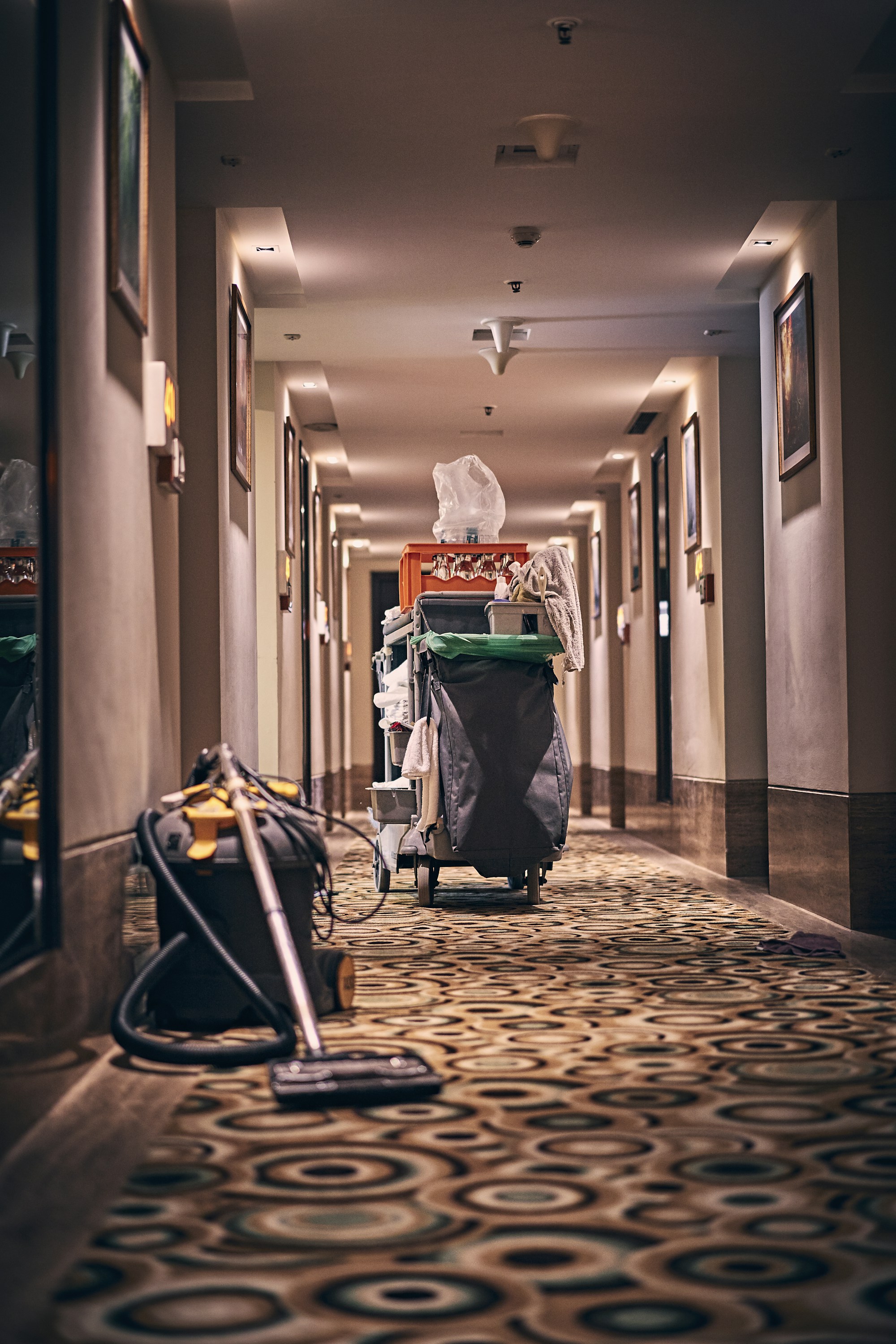
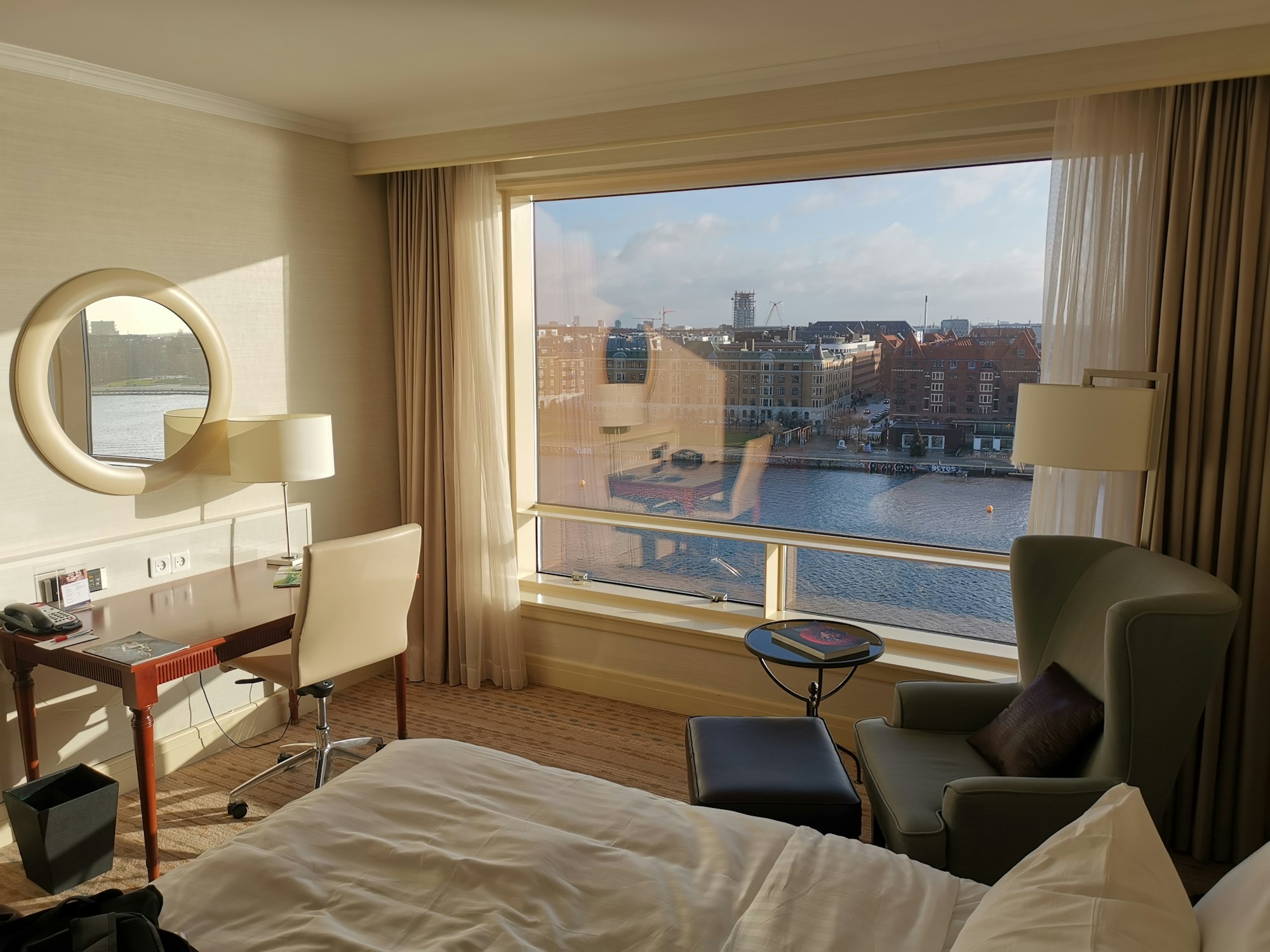
Eliminate constant phone calls and trips up the stairs just to check if a room is ready. The Lobby Boy connects reception directly with your housekeeping staff, ensuring every room status, maintenance note, and special guest request is communicated instantly.
Most housekeeping software fails for one reason: nobody on the floor wants to use it. So on a phone, every room is one card with one big status button.
Room Assignments & Task Lists
Assign specific rooms, floors, or sections to individual housekeepers so everyone knows their exact schedule for the day.
Mobile Status Updates
Housekeepers access their daily tasks on any smartphone or tablet to mark rooms dirty, clean, or inspected in real time.
Special Front-Desk Instructions
Reception can attach specific notes directly to a room, like setting up a honeymoon package, adding an extra bed, or placing a welcome drink in the room.
Instant Maintenance Alerts
Cleaning staff can report maintenance issues (like a broken shower or blown lightbulb) directly from their phone so reception sees it immediately.
Minibar & In-Room Sales
Housekeepers can log consumed minibar items on the spot so charges post automatically to the guest's invoice before checkout.
Digital or Paper Workflow
Run operations completely digitally on staff mobile screens.
Room status
Thedeskknowswhichroomsareready
Every room is Clean, General cleaning, Dirty or Inspected. When the desk picks a room for a booking, the status is right there, so nobody sends a guest to a room that has not been done.
A room that needs repairs can be booked as out of order, which blocks it on the calendar until it is fixed.
A broken lamp, a stain on the carpet, a guest who asked for extra towels. Add a note to the room or the booking and it shows on the housekeeping report, next to the room it belongs to. Extras like an extra bed can show there too.